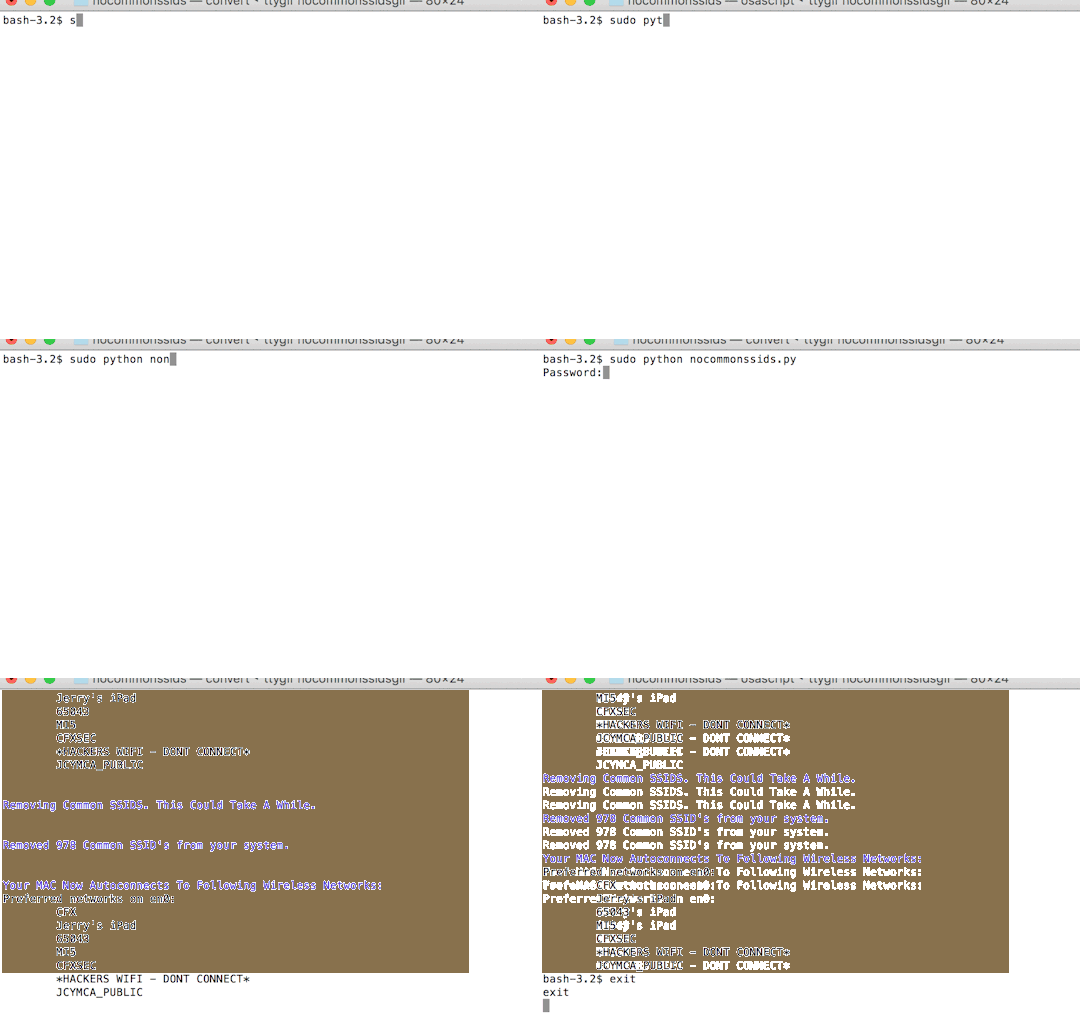
I wrote nocommonsssids to quickly remove the top ssids (from wigle.net) from the preferred network list in OSX so that it does not auto connect to them.
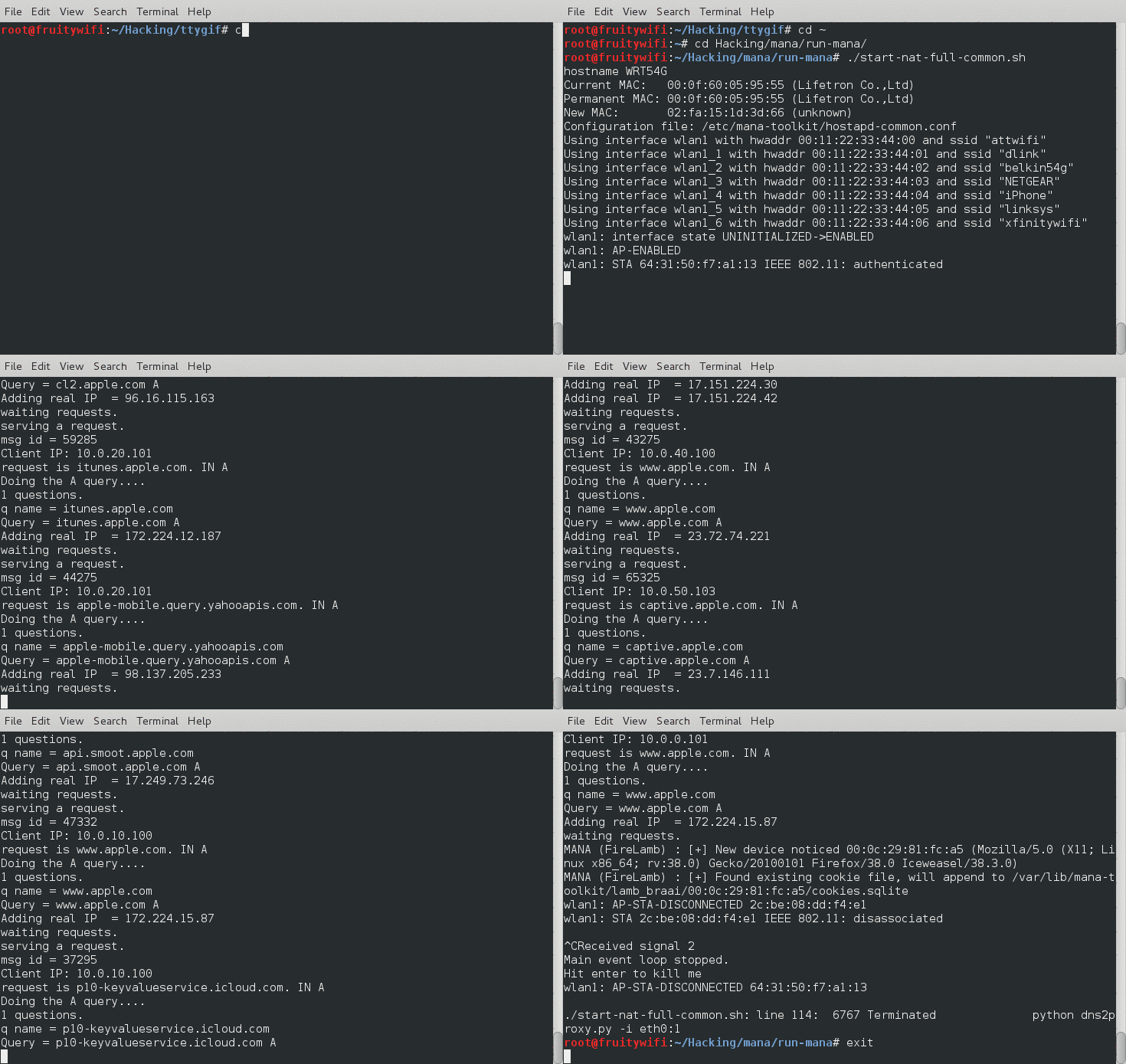
Running this will help stop you from being caught by an EvilAP attack along the line of the Mana Common demo I put together earlier this month. You should also run a VPN anytime you connect to a public wireless network.
I wanted to use this opportunity to make a bold statement since I knew there would be influential people in the audience who wanted to listen Nicole talk about her new cyber security auditing initiative.
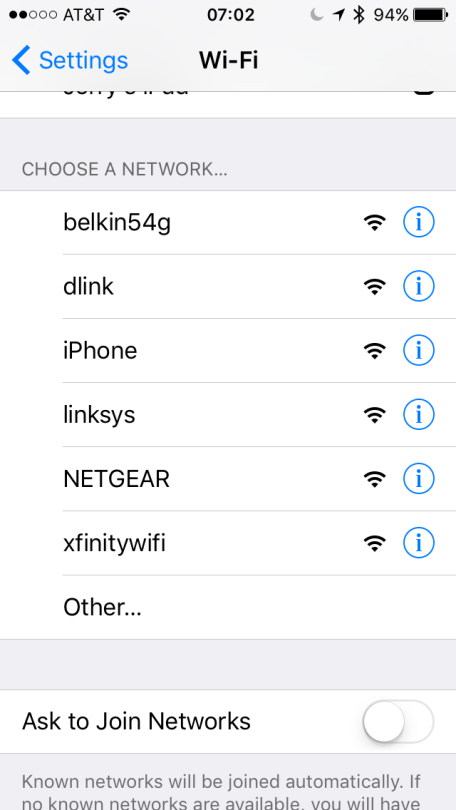
My project used in conjunction with a Ralink 5370 Chipset USB Wireless Card broadcasts 7 of the most popular SSID’s according to wigle.net. Protip: It is easily modified to target smaller audiences who may have saved corporate SSIDs on their devices.
Here is a demo of the terminal output:
Here is a screenshot of my iPhone picking up the networks:
If you have any questions please reach out to me on twitter @jgamblin.
I am getting ready to teach a “Building Your Own Security Lab” series of classes and I really needed a safe place for people to try their hand at wireless hacking.
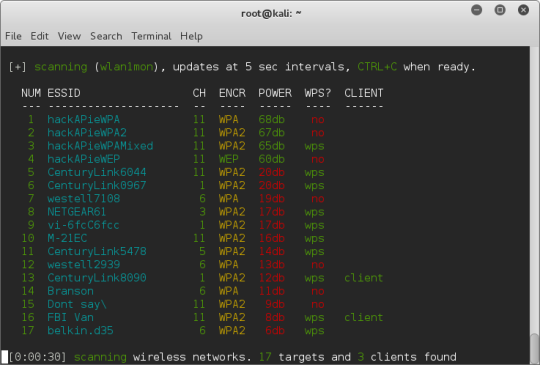
I built HackAPie that uses a RaspberryPI (this canakit) and openwrt that broadcasts 5 unique wireless networks to crack using tools like wifite and kali.
There are still a few bugs to work out but people have asked me if I would share this and I think I have it in a place where I am comfortable doing that. If you have any suggestions or questions please reach out to me at [email protected] or @jgamblin on twitter.
My mentor and I are in the middle of spinning up an information sharing group with local security professionals and next Friday is our first “working session” and we are discussing what building a security lab* looks like and costs.
We really hope to start walking through the tools in future meetings but here is what my security lab build looks like and roughly costs.
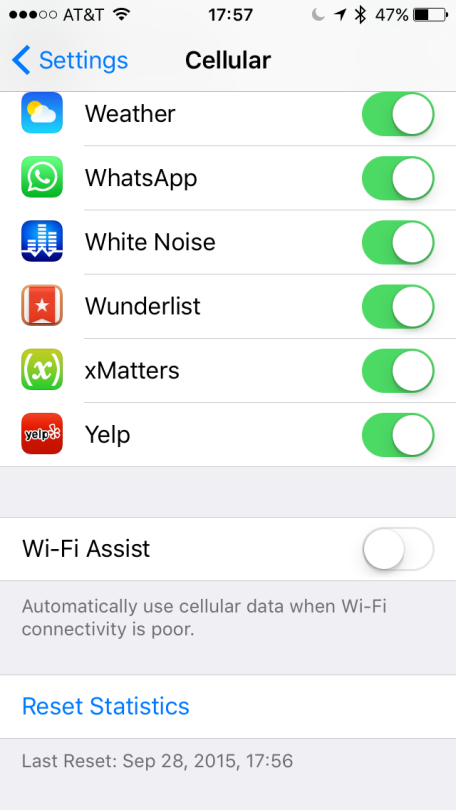
If you do not have unlimited data on your iOS device you will want to turn off Wi-Fi Assist in iOS9. Wi-fi Assist uses your data connection when you are on a slow Wi-Fi network.
To turn it off go to Settings > Cellular > Wi-Fi Assist > Off.
I have been looking for sometime to get a few security cameras setup around my house. I have thought about the dropcam and oco options but they were both fairly expensive and didn’t have the options that I wanted.
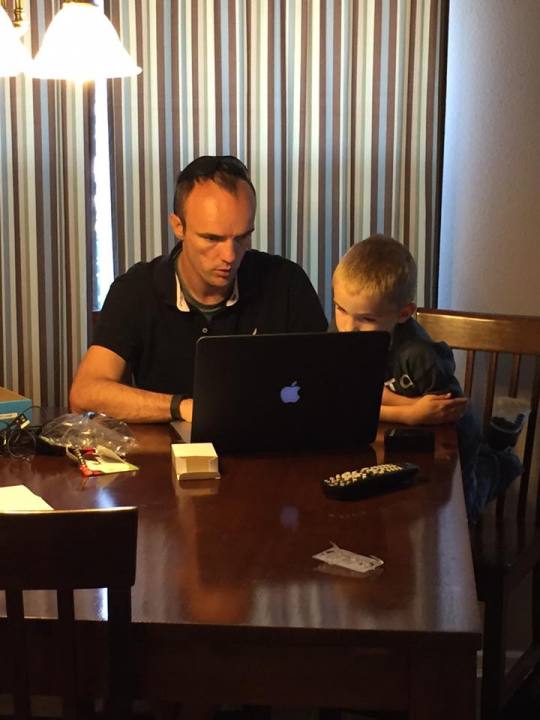
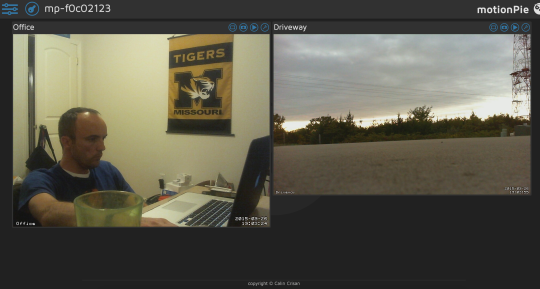
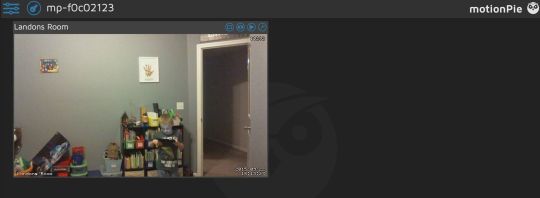
What I did have was a raspberry pi 2, two old web cameras and a 6 year old who likes to build stuff. We spent some time this weekend working with a project called MotionPie based off of MotionEye this weekend and we really like it.
It does take a fair amount of computer, network and linux knowledge but if you have a raspberry pi and google I am sure you could figure out.
I hope to see added (and help since it is an open source project): Dropbox support. Ability to select motion detection area. Ability to change the theme colors.
People ask me all time what the one thing they should do to “stay safe” on the internet is. If I had to pick one it would be to use a VPN when you are on a network you dont own or trust.
It has always taken a little bit of technical skill to setup a private VPN but my friends at WebDigi have done an amazing job of making setting up a free (if you dont use it too much) private VPN on AWS easy.
My mentor asked me that question this week as we were talking about what “true success” looks like. In the end you will never feel truly successful if you are not doing what you are passionate bout. There are people who are passionate about being amazing help desk technicians who feel (and are) more successful than the CIO who would really rather be the CFO.
As a reminder to do everything I do with passion I now have this as the lock screen on my phone: